What Is the Best Website Builder for SEO?
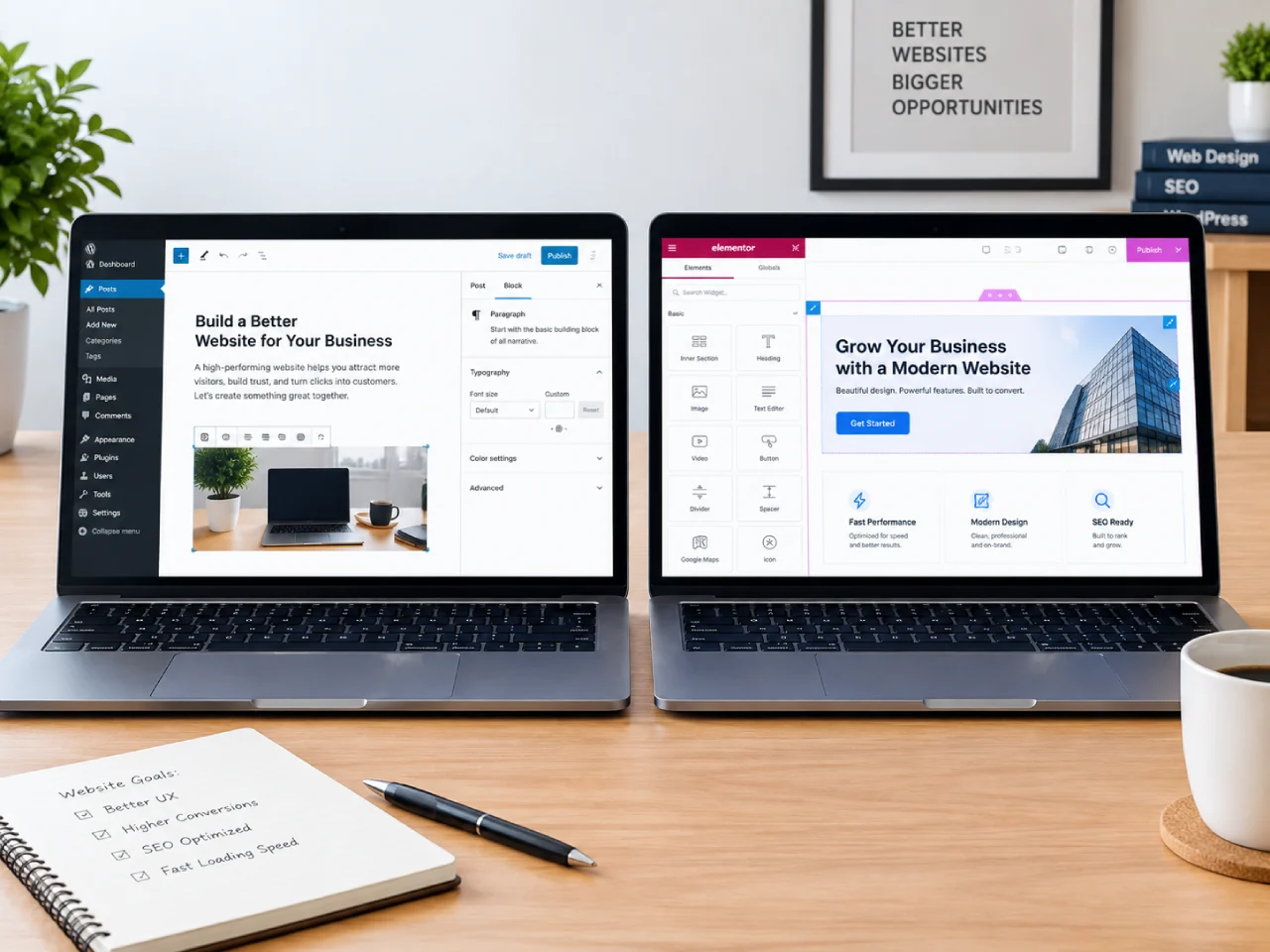
The best website builder for SEO is WordPress for most people, with Webflow as the strongest visual alternative. Both give you fine-grained control over the technical signals that decide rankings. The honest answer is that the right builder depends on how much control you want and how comfortable you are managing a site yourself.
Wix and similar hosted builders win on speed. You sign up, pick a template, drag things around, and hit publish, and the platform runs the servers and handles security for you. The trade-off is that you are renting the platform. Everything you build lives inside Wix’s system, and you have limited options if the platform changes its rules or you outgrow what a template can do.
Why Is WordPress the Best Website Builder for SEO?
WordPress is open-source software, not a service. You install it on hosting you choose, and you own everything: the files, the content, the design, and the database. That ownership is exactly what makes it the best website builder for SEO. Because WordPress powers well over 40% of the web, there is a plugin for almost anything and no single company that can change the rules on you.
More importantly, WordPress gives you full control over everything Google cares about: clean URLs, page speed, metadata, structured data, and a site you can actually tune over time. Plugins make this approachable even if you do not write code. The result is that WordPress sites tend to rank better and are far easier to optimize. If ranking on Google is a priority, my web design and development work is built on WordPress for exactly this reason.
The trade-off is that WordPress asks more of you. You choose hosting, you keep it updated, and you are responsible for security. You can hand all of that off, which is exactly what my WordPress maintenance and hosting service does, but the point is it is yours to hand off, not a platform’s to revoke.
Webflow vs WordPress: Which Is Better for SEO?
Webflow and WordPress are the two builders that give you real, technical SEO control. For most businesses, WordPress is the better default because of its ecosystem and lower entry cost. Webflow is the better pick if you are a designer who wants pixel-level control without writing code, and you accept a steeper learning curve.
The difference comes down to how they are built. Webflow generates clean, semantic HTML and gives you direct control over meta titles, descriptions, alt text, and structured data, all from a visual editor. In that sense it is a genuinely strong SEO platform. What it lacks is WordPress’s ecosystem: a larger plugin library, more themes, more developers, and more hosting options. Webflow also ties you to its platform and its pricing, while WordPress lets you move your site anywhere.
If you are deciding between the two, ask yourself two questions. Do you want to manage your own hosting and plugins, or keep everything on one visual platform? And how much do you value an enormous ecosystem of themes, plugins, and developers? For most businesses, WordPress wins on both.
What Is a Drag and Drop Website Builder?
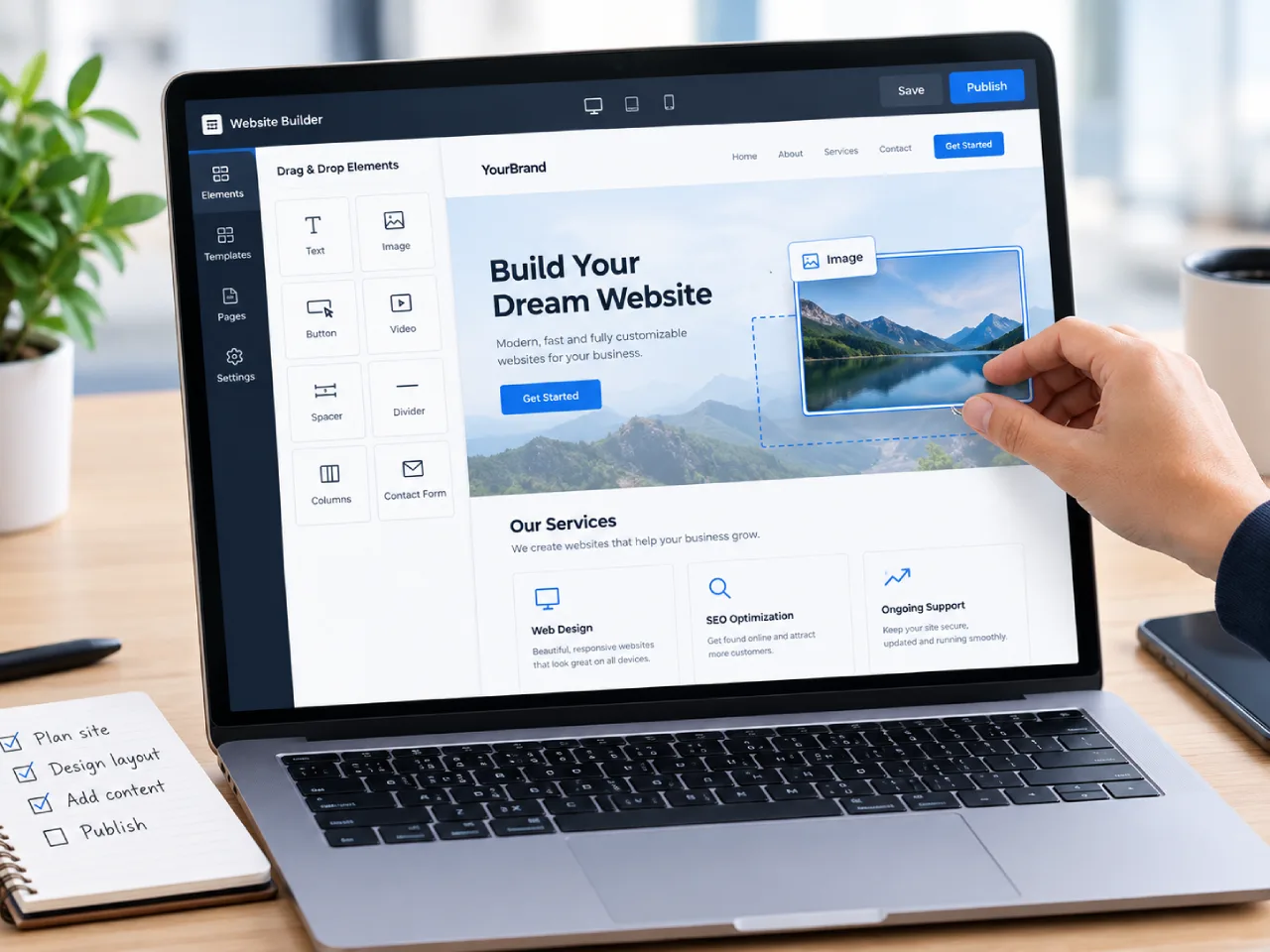
A drag and drop website builder is a tool that lets you build a page by dragging elements like text, images, and buttons into place, instead of writing code. Wix and Squarespace are drag and drop builders, and Webflow’s visual editor works the same way. They are genuinely useful for getting a site live fast.
The trade-off is that drag and drop builders vary widely in SEO quality. Some generate messy code and give you limited control over metadata and structured data. Others, like Webflow, pair the visual editor with real technical SEO control. The builder matters less than the output. A drag and drop builder that produces clean, crawlable HTML and lets you set meta titles, descriptions, and alt text can rank perfectly well. One that hides those controls or bloats the page will hold you back.
How Does Wix Compare for SEO?
Wix has improved, and its basic SEO is no longer terrible. It handles the fundamentals out of the box, and the built-in SEO panel covers the basics well. But you are still working inside a platform’s rules, with less control over the technical details that decide close rankings.
For a business that wants to show up when someone searches for its services, WordPress is the safer foundation. The difference is not just features. It is control, and control compounds. On WordPress you can optimize every page, add structured data, and tune speed exactly. On a hosted builder you can only adjust what the platform lets you.
How to Choose the Best Website Builder for SEO
Ask yourself three questions:
- How much control do you want over SEO? Full control means WordPress or Webflow. Basic control means Wix or a simple drag and drop builder.
- Will Google be a main source of customers? If yes, lean toward WordPress or Webflow.
- How much will you do yourself versus hand off? WordPress scales from a DIY site to a fully managed one.
If you want the strongest SEO foundation and plan to grow, WordPress is the answer. If you are a designer who wants visual control without code, Webflow is a strong second. If you need something live this weekend and SEO is not your main channel, a drag and drop builder is fine.
If you already have a site and are deciding whether to rebuild it, my website redesign guide walks through that decision. The real mistake is not picking the wrong tool once. It is paying for the wrong foundation because nobody laid the trade-offs out plainly.