How Do You Know Your WordPress Site Is Hacked?
The WordPress.org guide “My Site Was Hacked” lists these indicators of compromise (WordPress.org Documentation):
- Google, Bing or another service has blacklisted your site.
- Your host has disabled the website.
- The site has been flagged for distributing malware.
- Visitors tell you their antivirus is flagging your site.
- Your site is being used to attack other sites.
- Unauthorised changes appear, such as new users you did not create.
In my own work I also see redirects to unrelated sites and spam links on pages. Those are common signs, though I am not citing a study for them. A drop in traffic can be a symptom, but it is not proof by itself, so check the list above before you decide.
What Should You Do First?
When you first notice a hack, the instinct is to start deleting files. Resist it. Deleting the wrong thing makes recovery harder.
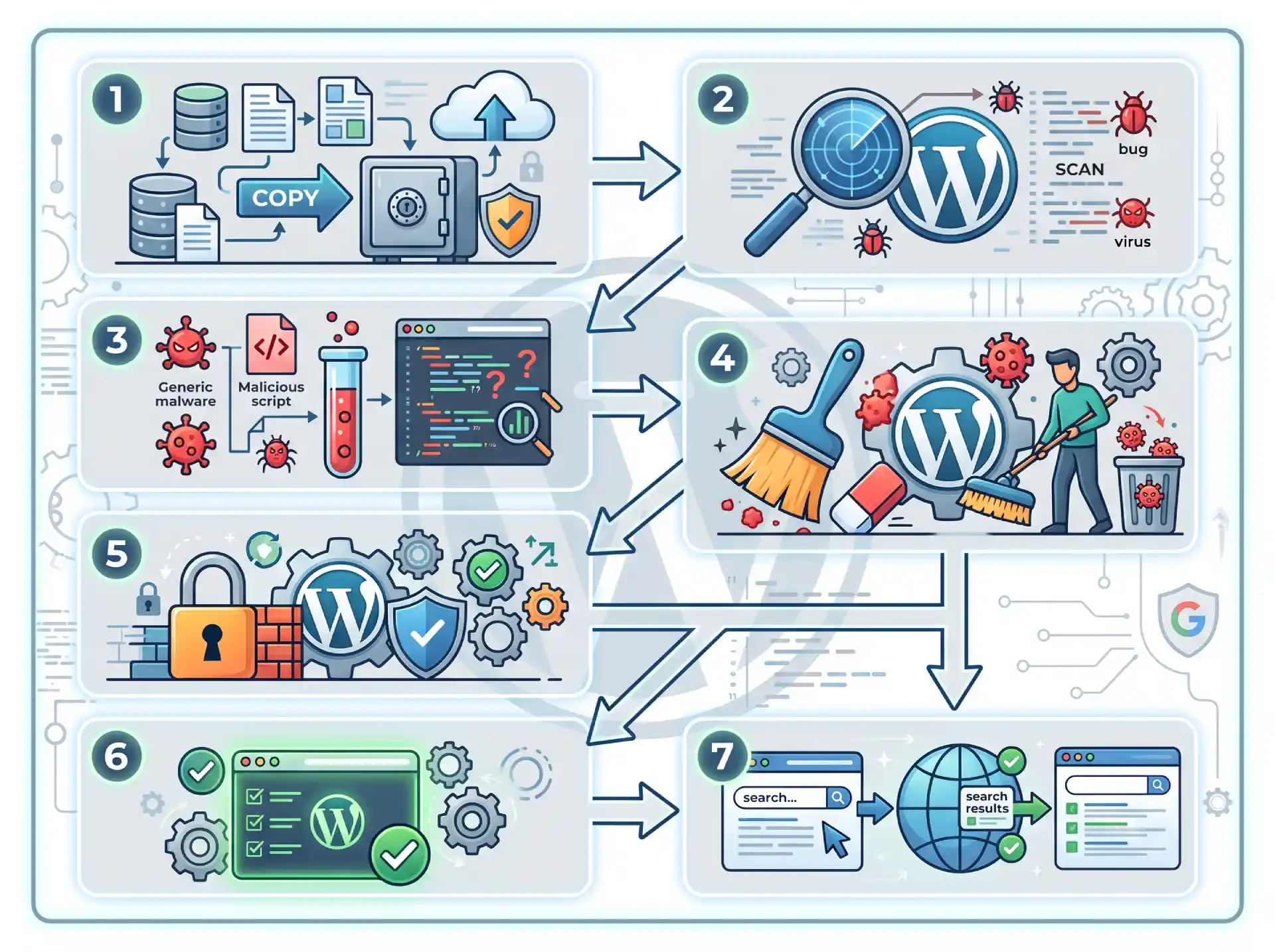
1. Document what you see. Write down what you notice, the time and time zone, and any recent changes such as a new plugin or a theme edit. WordPress.org says this becomes your incident report, whether you clean the site yourself or hire someone.
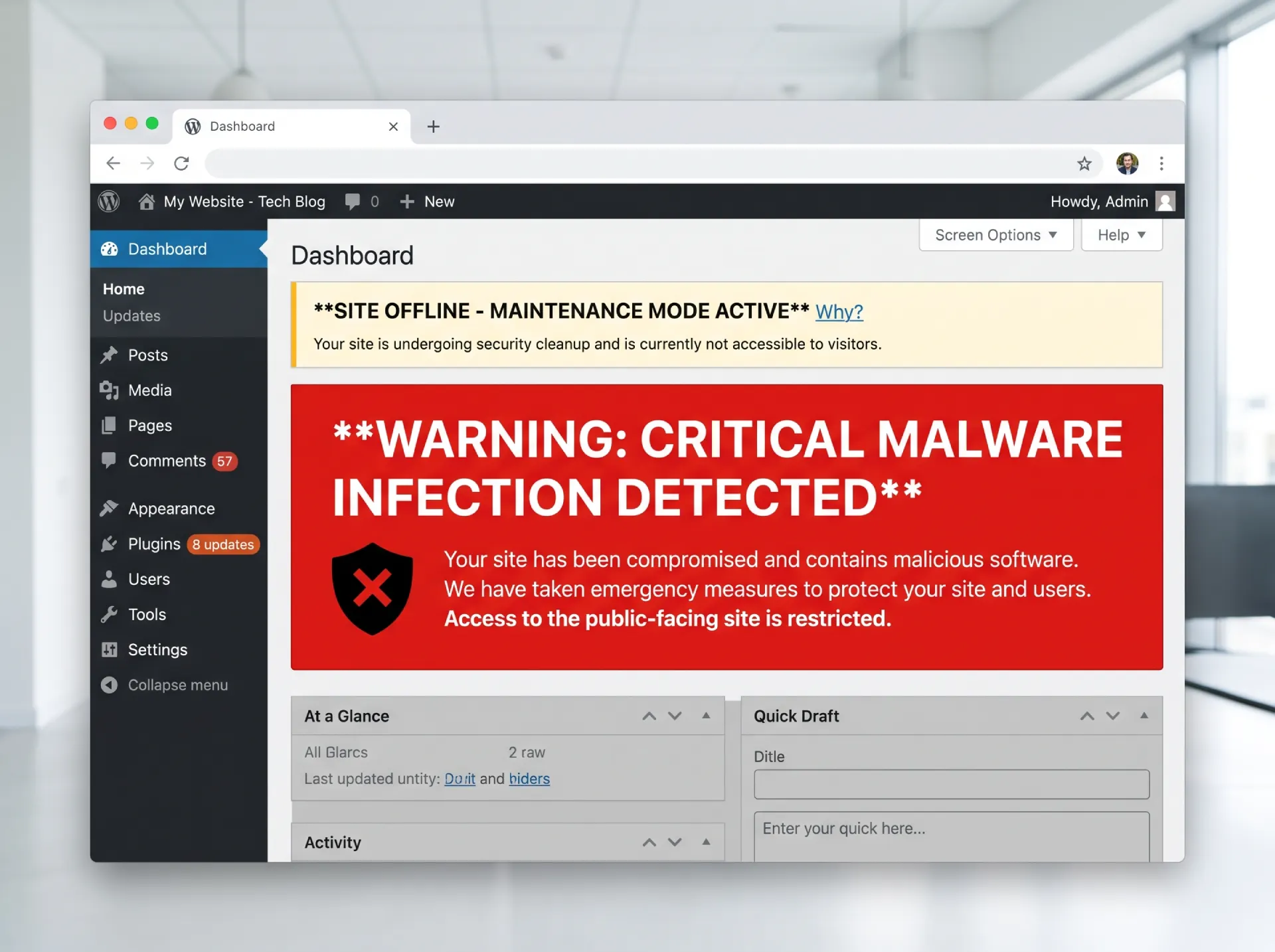
2. Take the site offline or into maintenance mode. This is my own practice rather than a step in the WordPress.org guide. It stops an infected site from reaching more visitors while you work. Most hosts have a suspend option or a maintenance mode setting.
3. Scan the site and your own computer. WordPress.org lists Wordfence, Sucuri, Quttera and GOTMLS as scanner plugins, and VirusTotal and Sitecheck as remote scanners. It also says to run a full antivirus scan on your own computer, because attackers run trojans locally that sniff FTP and WP-Admin logins. If you change passwords on an infected computer, the attacker may already have them.
4. Ask your host. On shared hosting, other sites on the same server may be affected, and spam sent from the server can get its IP blacklisted. Your host can often tell you what they see on their side.
How Do You Clean the Site, Step by Step?
Step 1. Reset all access. Change the passwords for WordPress admin, SFTP, your hosting panel, the database and every user who has access, using a computer you know is clean. Turn on two-factor authentication. Then replace the security keys and salts in wp-config.php with new ones from the official WordPress key generator. WordPress.org says this forces anyone who might still be logged in to sign out.
Step 2. Snapshot the site as it is. Take one more backup of the infected state before cleaning, as WordPress.org recommends. If a removal step goes wrong, you have something to go back to, and you have something to inspect later.
Step 3. Replace the core files. The cleanest way to remove infected core files is to replace them, not edit them. WordPress.org’s guidance is to replace the wp-admin and wp-includes folders with a clean copy of the same WordPress version, uploaded over FTP or SFTP. Do not use the reinstall option inside the WordPress dashboard, because those installers often only overwrite existing files, and hacks often introduce new files. Download WordPress only from wordpress.org (Hardening WordPress).
Step 4. Look for the backdoor. A backdoor is a file or a change that lets the attacker back in after you clean. Inspect .htaccess, index.php, header.php, footer.php and functions.php, then review the theme and plugin files under wp-content, and look for randomly named files that do not belong. Sucuri’s 2023 threat report found at least one backdoor on 49.21 percent of compromised websites at the point of remediation (Sucuri, 2023 Hacked Website and Malware Threat Report).
Step 5. Check your Users list. Remove admin accounts you did not create. In the same Sucuri report, malicious WordPress admin users were found in 55.2 percent of infected databases.
Step 6. Reinstall plugins and themes from official sources. Delete the copies on the site and reinstall only the ones you use from the WordPress repository or the developer. This is how I handle plugin and theme files, since it removes any infected files in one pass.
Step 7. Update everything and change the passwords again. Once the files are clean, update WordPress core, plugins and themes. WordPress.org also says to change the passwords again after cleaning. Sucuri found 39.1 percent of infected CMS installs were outdated at the point of infection (2023 report, all CMS applications, not WordPress only). If you are worried about the database, consider a new database user and password.
How Do You Clear the Google Warning?
If Google flagged your site, open the Security Issues report in Search Console. Fix every issue on every page listed, then choose Request Review and explain the problem and the steps you took (Google Search Console Help).
Google says a review can take from a few days to a few weeks to complete. Do not resubmit while a review is pending, because premature requests can slow the process or mark the site as a repeat offender. Google’s own guide to malware cleanup is on Search Central.
How Do You Keep It Clean?
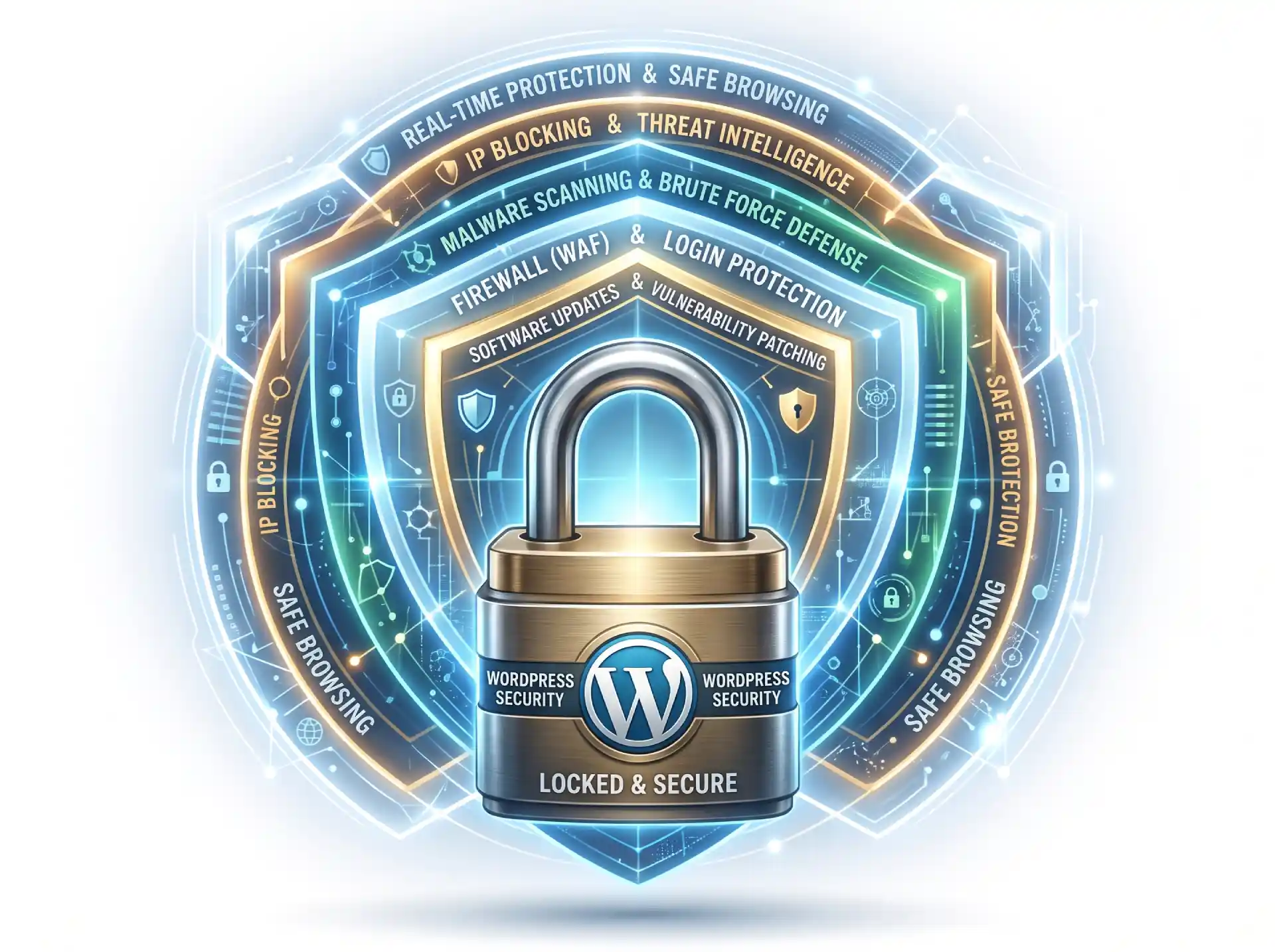
Cleaning a hack is one job. Staying clean is a different one. The WordPress.org Hardening guide (updated 2026-10-14) covers these basics:
- Automatic updates for core, plugins and themes.
- Delete unused plugins and themes rather than just deactivating them.
- Strong passwords and two-step authentication on every admin account.
- Regular backups, and test that you can restore them.
- Correct file permissions (755 for directories, 644 for files) and SFTP instead of FTP.
- A malware scanner on a schedule. The WordPress.org guide lists Wordfence, Sucuri and others.
Plugins are where most of the risk sits. Patchstack’s State of WordPress Security in 2026 report counted 11,334 new WordPress vulnerabilities in 2025, and 91 percent were in plugins, not WordPress core (Patchstack). That is a vendor report, so treat it as context, not a promise about your site.
When Should You Call a Specialist?
You can clean a hacked site yourself if you are comfortable with files and have the time. WordPress.org says the right approach depends on your technical aptitude, and that finding how attackers got in is very difficult for owners without the data or knowledge. The free option is the WordPress.org support forums (tags: hacked, malware).
From my own practice, these are the points where I would stop and get help:
- The site takes orders, payments or leads, so every hour offline matters.
- The hack comes back after you cleaned it.
- You cannot log in to the dashboard.
- Your host has suspended the account.
- You cannot tell how the attacker got in.
How long a cleanup takes depends on how deep the infection goes. If any of the above sounds like your situation, I handle hacked-site cleanup and ongoing care through my web maintenance and hosting service. There is no pressure to hire me. If you would rather prevent this than repeat it, my guide to what WordPress maintenance costs shows what ongoing care involves, and WordPress maintenance in the Philippines compares doing it yourself with hiring it out.