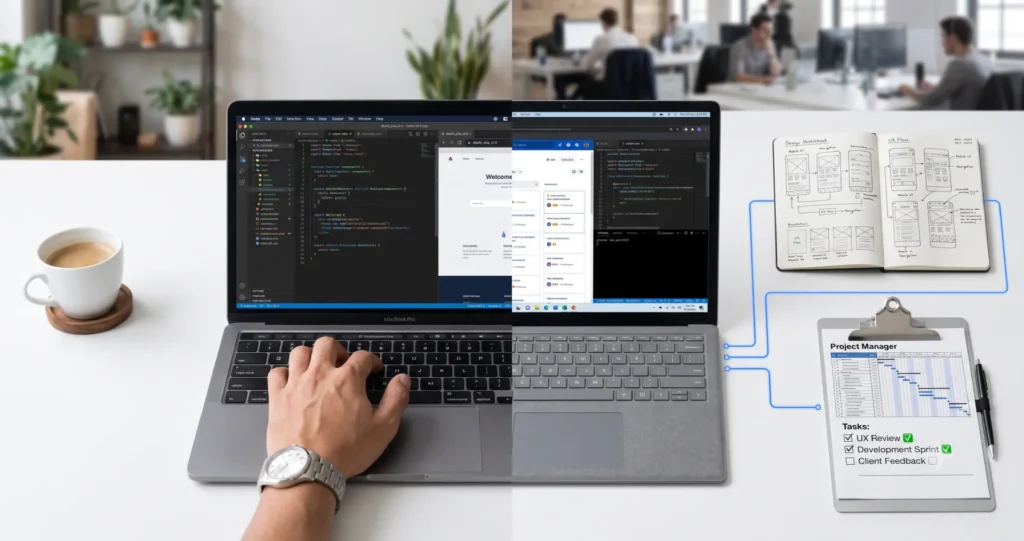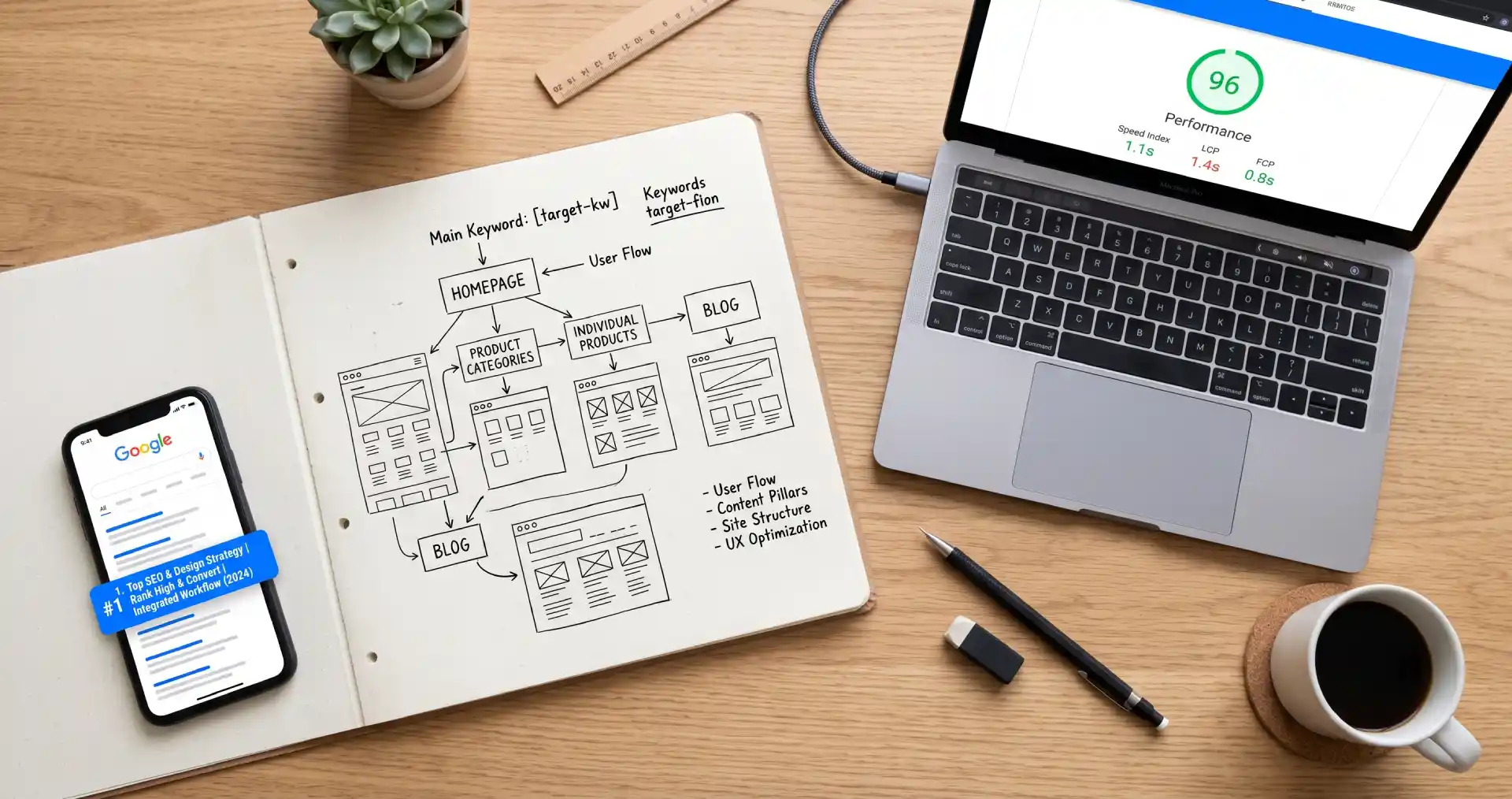
Why SEO Belongs in the Design Phase, Not After Launch
Most business owners treat SEO as something you do after a website goes live. Install a plugin. Tweak some title tags. Add keywords to pages that already exist. This sequence is backward, and it costs more in the long run.
When I build websites for clients here in Baguio City, the first conversation covers how people will find the site. Before wireframes exist. Before a single color is chosen. That question shapes every decision that follows. The navigation structure. The URL slugs. How content is grouped. The image formats. These are design decisions with direct SEO consequences. Reversing any of them after launch means redirects, rework, and ranking risk.
A site built without SEO considerations typically needs structural changes within the first year. Pages get reorganized. URLs change. Navigation gets rebuilt. Each of those changes introduces points of failure. A site designed with SEO from the start avoids every one of them.
SEO is not a layer you apply after the fact. It belongs in the foundation.
Site Architecture: The Foundation of an SEO-Friendly Website
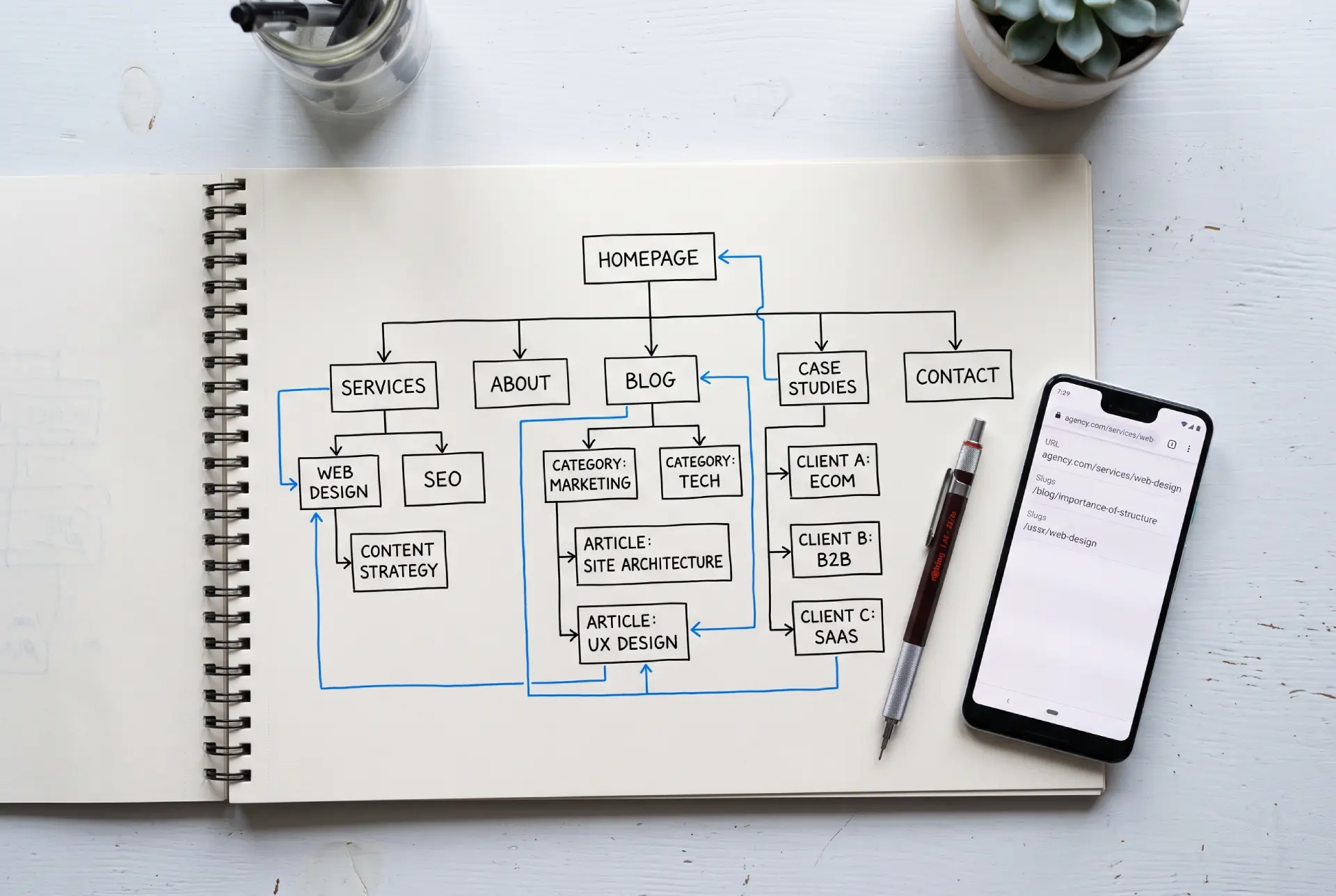
Site architecture is how your pages are organized and how they connect to each other. It affects user navigation and determines how search engine crawlers discover your content.
A flat architecture keeps every important page within three clicks of the homepage. When a visitor or a search crawler has to dig through five levels of menus to find a page, that page loses authority. Google interprets pages buried deep in a site structure as less important, regardless of the quality of the content on them.
Your navigation menu should reflect your business priorities. If you run a service business, your core offerings belong in the main navigation. Blog posts, case studies, and supporting resources sit one level deeper. Every page needs a clear parent-child relationship that makes sense to someone visiting for the first time.
URL structure follows the same logic. A URL like “/services/on-page-technical-seo/” tells both users and search engines exactly what to expect. A URL like “/?p=1234” communicates nothing. Clean, descriptive URLs with hyphens between words are a design choice that pays SEO returns for the life of the site.
Internal linking also deserves attention during the design phase. When I build a site, I map out which pages connect to which before any code is written. This creates a logical web of content that distributes ranking authority across the site and guides visitors toward relevant material. I cover the full site-building process, from domain setup to launch, in my step-by-step guide on how to publish a WordPress website.
Mobile-First Design and Page Speed
Google uses mobile-first indexing. The mobile version of your site determines where you rank, even for searches done on desktop computers.
Mobile-first design is not the same as responsive design. Responsive design takes a desktop layout and resizes it for smaller screens. Mobile-first design starts with the phone experience and expands outward. This approach produces cleaner layouts, faster load times, and better usability on the device most of your visitors actually use.
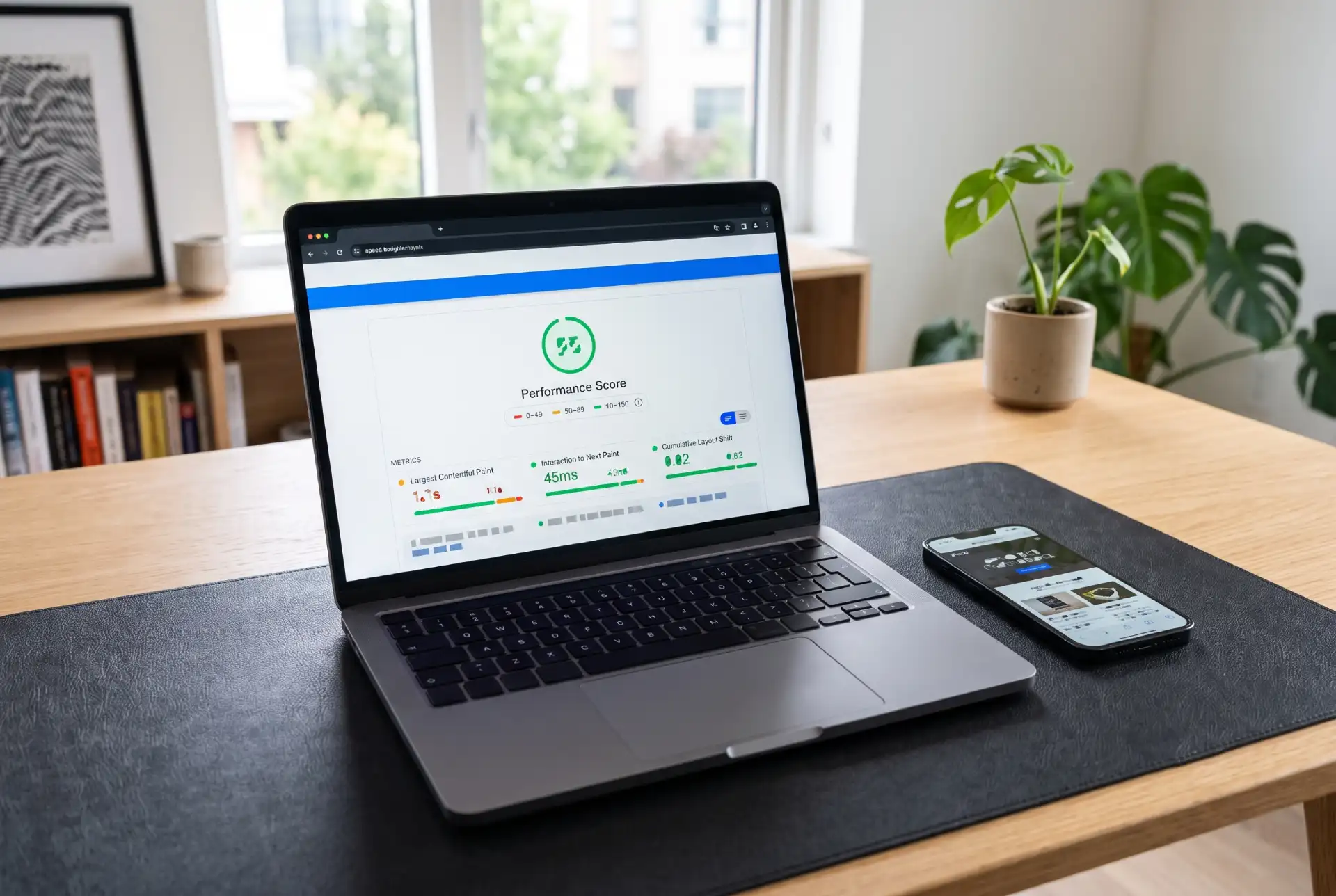
Page speed affects both rankings and conversions. A site that takes four seconds to load on a mobile connection loses a significant portion of visitors before they read a single headline. The design decisions that impact speed include:
- Image format and compression. WebP images produce file sizes roughly 30 percent smaller than equivalent JPEGs and PNGs. Serving properly sized images instead of full-resolution uploads that CSS scales down saves bandwidth on every page load.
- Font loading strategy. Custom web fonts add HTTP requests and can block text from rendering. Using system font stacks or loading fonts asynchronously prevents the invisible text problem that hurts both user experience and Core Web Vitals scores.
- Code efficiency. Minified CSS and JavaScript reduce page weight. Removing unused code from plugins and theme files eliminates rendering delays that compound on slower connections.
- Hosting quality. Cheap shared hosting adds server response time that no amount of front-end optimization can fix. The server is part of the performance equation.
Google PageSpeed Insights identifies specific problems. But the smarter approach is building with speed constraints in mind from the beginning. Choose a lightweight theme. Limit plugin count. Compress images before uploading, not after. These habits prevent problems instead of treating symptoms.
On-Page SEO Elements That Belong in Your Design
On-page elements like title tags, meta descriptions, and heading hierarchies live in your content management system. They should be part of the design, not something a plugin retrofits later.
Title tags are the clickable headlines in search results. Every page needs a unique title tag with the primary keyword positioned near the beginning. Your CMS should make title tags easy to edit and display them separately from the on-page H1 so you can optimize the search snippet without compromising the page headline.
Meta descriptions do not directly affect rankings, but they influence click-through rates from search results. A strong meta description is a 155-character pitch for the page. Design your CMS so every page has a dedicated meta description field. If that field is buried in a settings tab nobody checks, most of your pages will ship without one.
Heading hierarchy matters for accessibility and SEO. Every page gets exactly one H1. Major sections use H2s. Subsections within those use H3s. Skipping levels or choosing heading tags because of their visual appearance rather than their structural purpose confuses screen readers and search crawlers equally.
Image alt text is the most commonly missed on-page element I find during site audits. Every image on your site needs descriptive alt text. It helps visually impaired users understand the content and gives search engines context they cannot extract from the image file itself. Write alt text that describes what the image shows and why it is there.
Content Structure and Readability
Content design is web design. How text sits on a page determines whether people read it or leave.
Short paragraphs work better than dense blocks of text. On a phone screen, three lines of text already feels substantial. Breaking content into smaller chunks with clear subheadings makes pages scannable. Most visitors scan instead of reading. They hunt for the specific information that brought them to the page. If they cannot find it in seconds, they leave.
Typography affects readability at a mechanical level. Body text should be at least 16 pixels. Line height between 1.5 and 1.75 improves legibility across screen sizes. High contrast between text and background is not optional. Light gray text on a white background fails accessibility standards and frustrates readers. This is not a stylistic preference. It directly affects whether your content gets read.
White space separates sections, reduces cognitive load, and directs attention to what matters. A cluttered page with competing visual elements overwhelms visitors. A page with breathing room invites reading.
Content structure also influences how your pages appear in search results. Clear H2 and H3 subheadings help Google generate sitelinks. Numbered steps and bullet lists can appear as featured snippets. These are ranking opportunities that start with page layout, not keyword insertion.
Technical SEO During Web Design
Technical SEO covers the behind-the-scenes work that helps search engines access, crawl, and index your site correctly.
XML sitemaps tell search engines which pages exist and how they relate to each other. Most platforms generate sitemaps automatically. You need to verify the sitemap is accurate and excludes pages you do not want indexed, like thank-you pages and admin screens. Submit it through Google Search Console during the launch process.
SSL certificates are not optional in 2026. Google flags sites without HTTPS as not secure. Browsers display warnings that send visitors away before they reach your content. Most hosting providers include SSL certificates for free. Enable HTTPS before your site goes live, not after.
Canonical tags prevent duplicate content problems. If the same content is reachable through multiple URLs, a canonical tag tells search engines which version is the original. This consolidates ranking signals and stops your own pages from competing with each other in search results.
Robots.txt controls what search engines can access. A misconfigured file can block your entire site from being indexed. One incorrect line in this file undoes months of design and development effort. Check it before launch.
Schema markup adds structured data that helps search engines understand your content. FAQ schema, breadcrumb schema, and organization schema improve how your pages appear in search results. Rich results like review stars, FAQ accordions, and breadcrumb paths increase your search listing’s footprint on the results page, which improves click-through rates. Implement schema during the design phase rather than retrofitting it after launch.
SEO Mistakes During a Website Redesign
Redesigning a website without an SEO migration plan is the fastest way to lose rankings. I have seen businesses launch beautiful new sites and watch their organic traffic drop by half within a month. The design was better. The SEO foundation was gone.
- Changing URLs without redirects. Every URL that changes needs a 301 redirect pointing to its replacement. Without redirects, search engines find dead pages. Visitors hit 404 errors. The ranking authority accumulated over years evaporates. Map every old URL to its new equivalent before you flip the switch.
- Deleting pages without checking their traffic value. Before removing any page, check Google Search Console to see if it brings organic traffic. A page that looks outdated might still be driving qualified visitors every month. If you must remove it, redirect that traffic somewhere relevant instead of letting it disappear.
- Changing site structure without updating internal links. When you reorganize navigation or move pages under new parent sections, internal links that pointed to the old locations break. These links carry authority through your site. Breaking them reduces the ranking potential of every affected page.
- Launching without a staging environment. Build the new site on a staging server first. Test every redirect. Verify every page migrated correctly. Confirm the sitemap is accurate. Crawl the site to catch broken links and missing metadata. Then launch. Skipping staging is gambling with your search traffic.
Web Design and SEO Checklist
This is the minimum standard I apply to every site I build. It catches the issues that silently undermine rankings.
Site architecture
- Flat structure with important pages within three clicks of the homepage
- Clean, descriptive URLs using hyphens to separate words
- Logical navigation menu reflecting content and business priorities
- Internal link plan mapped before development starts
Mobile and speed
- Mobile-first layout expanding to desktop, not the reverse
- Images compressed and served in WebP format where browsers support it
- CSS and JavaScript minified
- Page load under three seconds on a standard mobile connection
On-page elements
- Unique title tag for every page with the primary keyword positioned near the front
- Unique meta description for every page
- Single H1 per page with proper H2 and H3 hierarchy underneath
- Descriptive alt text on every image
Technical foundation
- HTTPS enabled and working across the entire site
- XML sitemap generated and submitted to Google Search Console
- Robots.txt verified and correct
- Canonical tags set for any pages accessible through multiple URLs
- Schema markup implemented for relevant content types
Content design
- Scannable structure with short paragraphs and clear subheadings
- Body text at minimum 16 pixels with adequate line height
- High contrast between text and background
- Adequate white space between sections
How to Combine SEO and Web Design During a Real Project
Theory is useful. But how does SEO and web design integration actually happen during a build?
- Keyword research comes before wireframes. Understanding what your audience searches for determines which pages exist, what they are called, and how they connect. The navigation menu is essentially a keyword strategy made visible.
- Wireframes account for content hierarchy. A page designed for a 2,000-word guide has different layout requirements than a page designed for a 200-word service description. The design supports the content, not the other way around. This is the core of web design with SEO built in.
- Development uses SEO-friendly defaults. Clean HTML5 semantics. Schema markup baked into templates. Image optimization automated during the build process. Navigation rendered as real text links, not JavaScript-dependent menus that crawlers struggle to parse.
- Testing covers both visual and technical quality. Does the site look right on every device? Does it pass a Lighthouse audit? Both checks are part of the same launch process because both affect the same outcome: a website that ranks and converts.

If you want this approach applied to your own site, I cover on-page and technical SEO as a dedicated service. It covers everything in this guide, from architecture planning through post-launch monitoring.