• Home >
  • Blog >
  • What Is AI-Generated Web Design (And What Can It Actually Do)?

What Is AI-Generated Web Design (And What Can It Actually Do)?

“AI web design” is the phrase everyone is throwing around right now, and most of what is said about it is either over-hyped or undersold. The truth is quieter and more useful: AI does not design your website for you, but it has become a genuinely powerful tool inside the design process, if you know what it is good at and what it is not.

AI-generated web design is real, but it is a tool, not a replacement for a designer. AI is good at the repetitive, time-consuming parts: drafting layouts, writing first-draft copy, and generating imagery. It is not good at judgment, taste, or understanding your specific customers. The best result comes from a human and AI working together, where AI does the heavy lifting and the designer makes the decisions.

Key Takeaways

  • AI does not design your website. It drafts, and a designer decides what to keep.
  • AI is genuinely good at layouts, first-draft copy, and imagery. It is fast and cheap at those.
  • AI is bad at judgment, taste, and knowing your customers. Those are still human work.
  • The danger is generic output. AI without a human produces sites that all look and sound the same.
  • The winning workflow is human plus AI: AI drafts, the designer shapes.

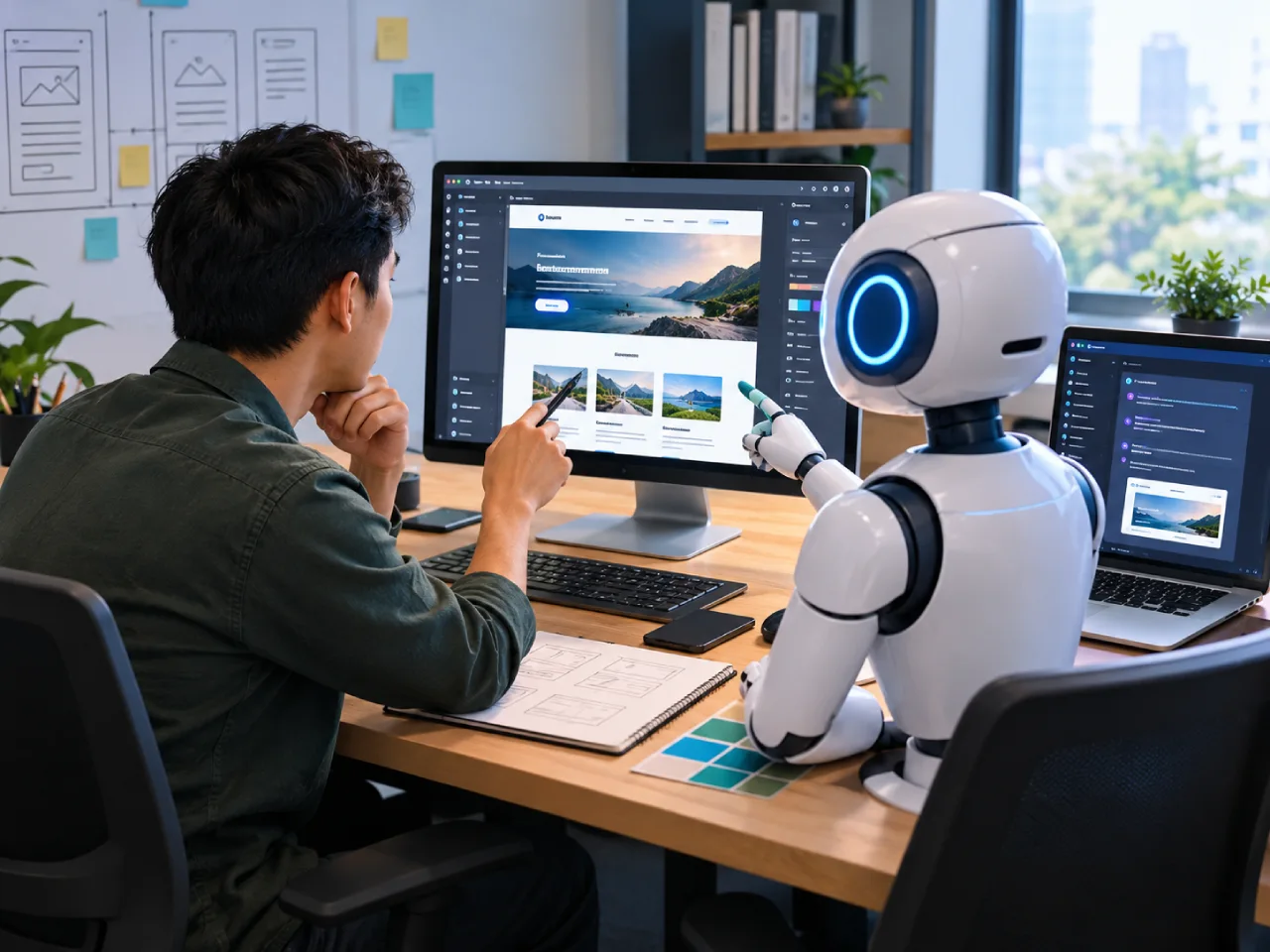
A designer and an AI assistant working side by side on a website, showing a human and AI workflow rather than AI replacing the designer

What “AI Web Design” Actually Means

The phrase covers a few different things, and it helps to separate them. There are AI website builders that assemble a site from a prompt. There are AI tools that generate a layout or a section from a description. And there are AI assistants that write copy and generate images for a design a human is building. When someone says “AI web design,” they usually mean a mix of all three.

None of them design the way a designer does. They assemble and draft. That is not a weakness. It is a division of labor, and it is a useful one.


Where AI Genuinely Helps

AI is strongest at the parts of web design that are repetitive and time-consuming. It can draft a layout in seconds that would take a designer an hour to sketch. It can write a first pass of homepage copy, a product description, or an FAQ, faster than any human. It can generate custom images and icons so you are not stuck with the same stock photos every other site uses.

That speed is real, and it lowers the cost of a website. A designer who uses AI well can deliver more, faster, and pass some of that saving on.


Where AI Falls Short

AI is weakest exactly where the project actually lives or dies: judgment, taste, and understanding your customer. AI does not know that your customers in the Philippines worry about getting scammed, so they need trust signals up front. It does not know that a phrase that works for one business sounds wrong for yours. It does not know when a layout is clean and when it is just empty.

Left on its own, AI produces sites that all feel the same, because they are averaging millions of other sites. That sameness is the opposite of a brand. Your website should sound like you, and AI alone cannot do that.


The Human Plus AI Workflow

The way I use it is simple. AI drafts, I shape. AI generates a layout, and I judge whether it works for your business. AI writes first-draft copy, and I rewrite it in your voice, in your words. AI generates imagery, and I pick what actually fits the brand and throw out what does not.

You get the speed and cost of AI with the judgment and taste of a designer. That is the point of the phrase, and it is the part the hype usually leaves out.


AI as a Tool, Not a Threat

The real story of AI web design is not that it replaces designers. It is that it makes good design faster and more affordable, as long as a human is still making the decisions. If you are choosing someone to build your site, ask them how they use AI. The ones who use it as a tool will tell you plainly. The ones who either ignore it or lean on it entirely are both missing the point. My guide to how to choose a web designer helps you tell the difference.


Built With AI, Shaped by a Designer

My web design services use exactly this workflow: AI for the drafting and the heavy lifting, and me for the judgment, the taste, and the understanding of your customers. The result is a website that is faster and more affordable to build, and still sounds like your business. If you are not sure what to hand over before we start, how to brief a web designer sets it up in one page.

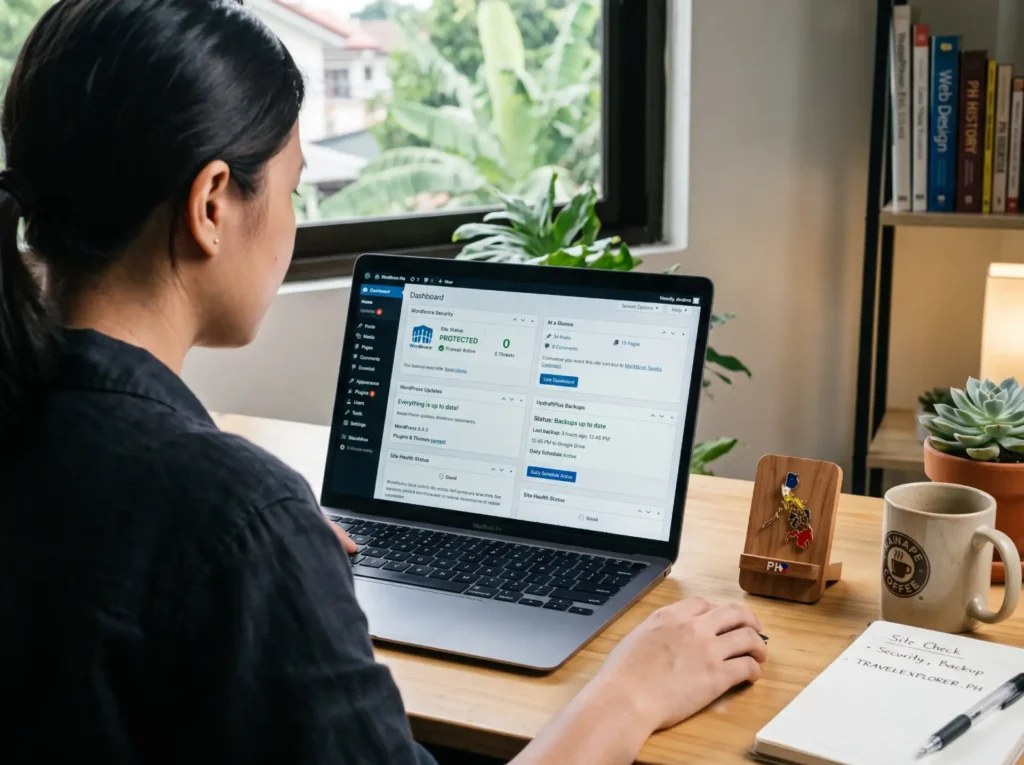
Table of Contents

    About the Author

    Jude Pudlao is a freelance web designer and SEO specialist based in Baguio City, Philippines. He builds WordPress websites for small businesses that need to get found on Google and convert visitors into customers.

    His work combines design, development, and search optimization so his clients get websites that look professional and actually perform.

    Let's work together.

    Over 6 years of experience. Results you can measure. Websites that do the selling for you.

    Frequently Asked Questions

    Can AI build my whole website?

    AI tools can assemble a basic site from a prompt, but the result is usually generic. For a website that represents your business and converts your customers, you still need a human making the decisions.

    Yes, when a designer uses AI as a tool, it lowers the time and cost of drafting layouts, copy, and imagery. That saving can be passed on, without sacrificing the human judgment that makes the site yours.

    No, at least not the way most people imagine. AI replaces the repetitive parts, not the judgment. The designers who use AI well become faster and more valuable, not obsolete.

    Not by itself. AI-generated content can rank, but generic AI content rarely does, because it offers nothing a human reader, or an AI answer engine, would want to cite. The fix is a human shaping the AI output into something specific and useful.

    Latest Posts

    A stressed man rubbing his eye in frustration while looking at a laptop screen in a bright, modern office.
    A laptop showing a WordPress dashboard with security, backup, and update status panels, with a Philippines map pin on the desk while a person facing at the screen
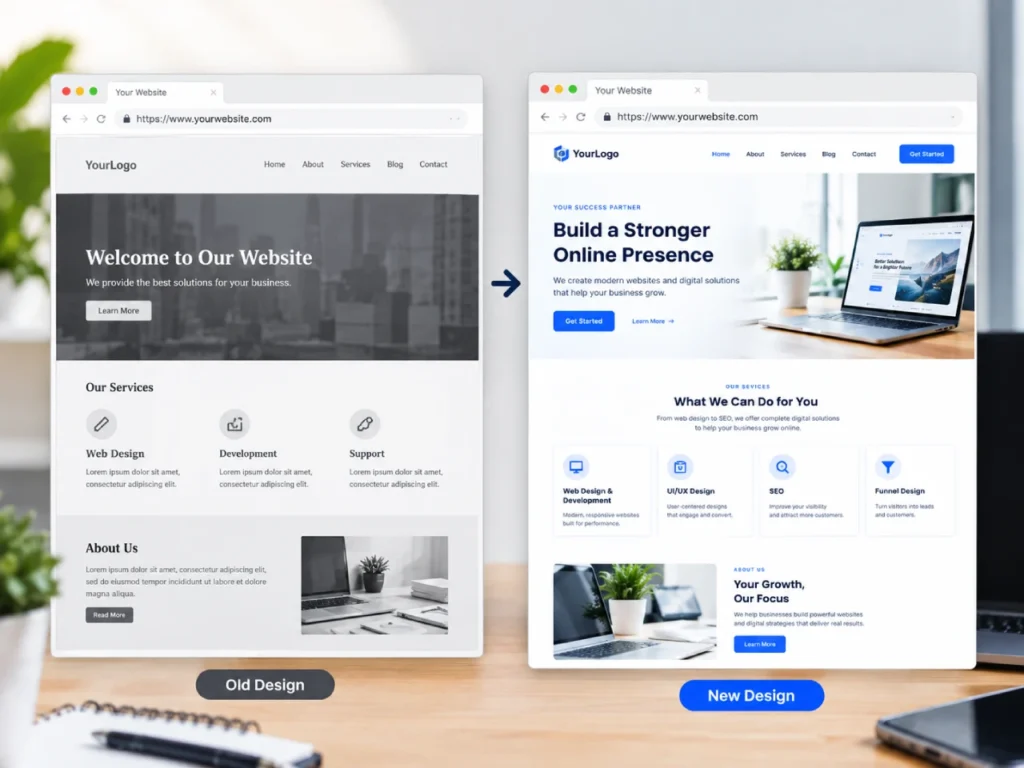
    A website being rebuilt with the same URL structure preserved, shown as a page moving from an old design to a new design on the same address

    Let's talk about your website.

    Book a free consultation. We’ll talk through your goals, and you’ll leave with a clear plan and a fixed-price quote.

    Scroll to Top