Do You Actually Need WordPress Maintenance?
Yes. If your website brings in customers, you need maintenance. If it is an online store, you need it more. WordPress powers about 40% of all websites (W3Techs, 2026-10-19), so automated attacks are always scanning for out-of-date plugins and themes.
The most common objection is “my site works fine.” That is exactly the problem. A WordPress site that is out of date rarely looks broken. It loads, it shows your pages, and it seems fine right up until a plugin with a known vulnerability gets exploited, or an update you never ran conflicts with another one and takes the site down. By the time you can see the problem, it has usually been there for a while.
Think of it like a car. You do not wait for the engine to seize before changing the oil. A website is the same. Small, regular work keeps it running. Skipping that work does not save money. It just moves the cost to a bigger, more expensive day.
What Does WordPress Maintenance Actually Include?
Maintenance is not one task. It is a monthly routine made of four jobs.
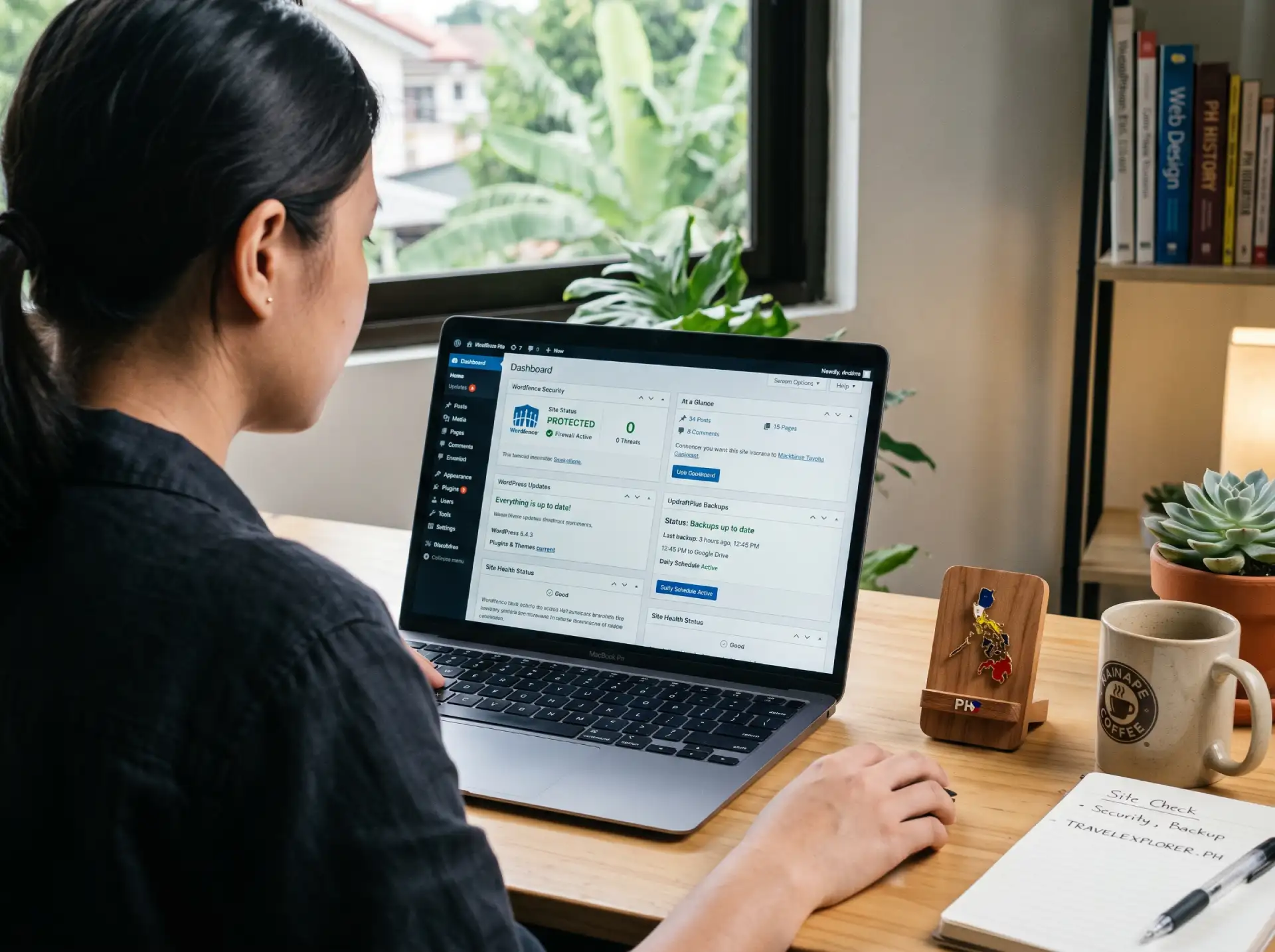
- Security monitoring. Watching for malware, unauthorized logins, and known vulnerabilities. Most hacked sites do not know they were hacked until Google blacklists them or a customer complains.
- Daily backups. A copy of your whole site stored offsite and off your server. If something breaks, you restore from yesterday’s backup and lose at most a day.
- Updates. WordPress, your theme, and your plugins all ship updates. Some add features. Most close security holes. Every outdated plugin is a door left open.
- Uptime monitoring. A check that your site is actually online, so you hear about downtime before your customers do.
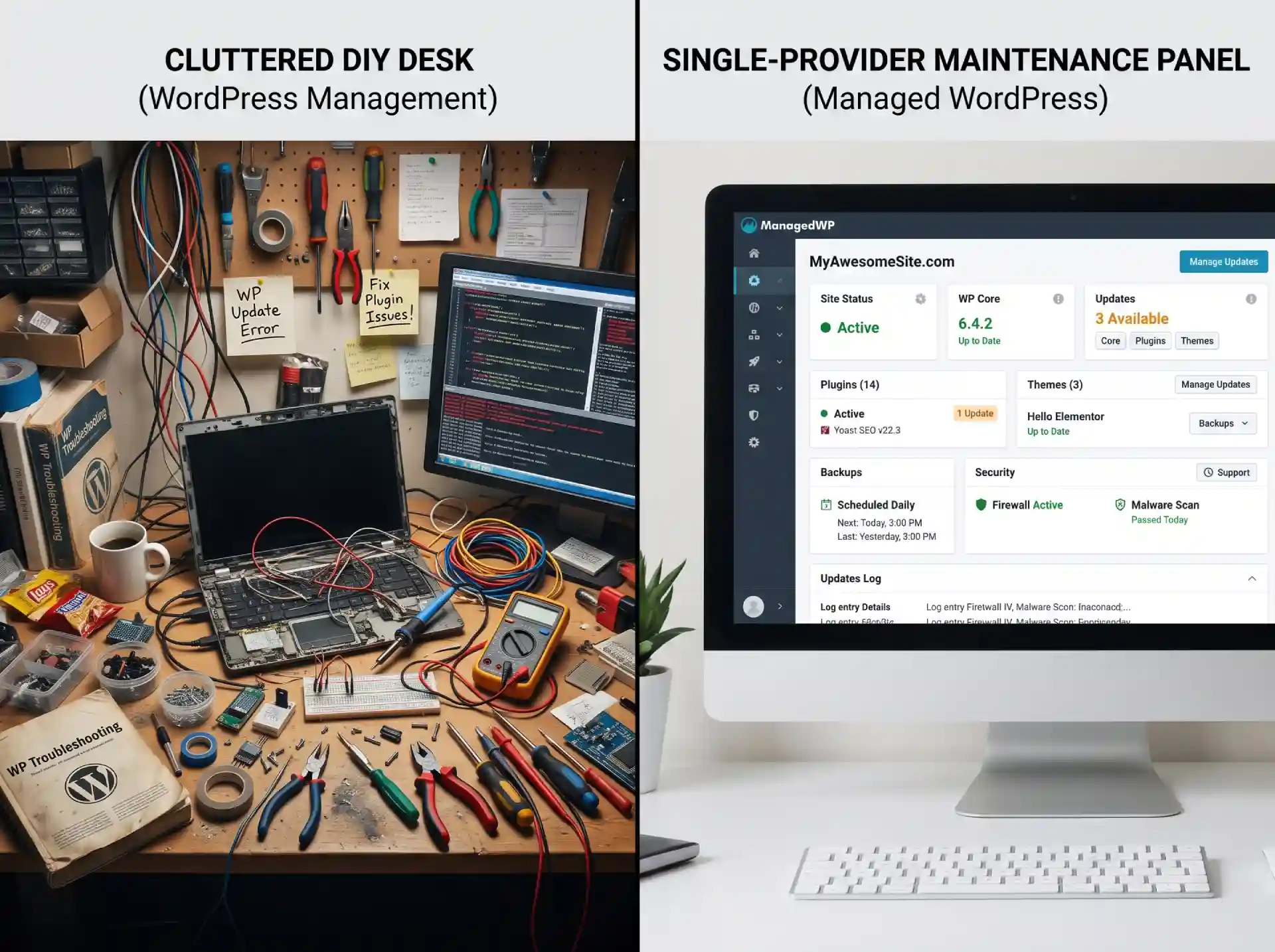
Some plans bundle hosting in. That is the version I recommend, because it means one provider, one bill, and no finger-pointing when something breaks. If you are still comparing hosts, my guide to choosing web hosting for a small business walks through the options.
WordPress Maintenance Plans
WordPress maintenance plans bundle security, backups, updates, and support into one monthly fee, and most come in tiers. An entry plan covers monitoring and backups. A fuller plan adds updates, uptime checks, and a real person to call when something breaks. The tier you need depends on how often your site changes and whether you want someone else handling the updates every month.
When you compare plans, focus on what is actually included rather than the label. Offsite daily backups. Updates that someone runs and fixes when they break. Malware scanning with cleanup included. A named contact who knows your site, not a shared ticket queue.
Should You Do It Yourself or Hire a Provider in the Philippines?
This is the real decision, and it comes down to one honest question: who is actually going to do it every month?
Doing it yourself is possible. If you have a small site, some patience, and thirty minutes a month, you can update plugins, run a manual backup, and check that the site loads. The catch is that it is easy for one month, and then life happens. A missed update is a common way WordPress sites get hacked. Sucuri’s 2023 report found 39.1% of infected CMS sites were outdated at the point of infection (Sucuri), and Patchstack counted 11,334 new WordPress vulnerabilities in 2025, 91 percent of them in plugins (Patchstack). The work also compounds as your site grows. More plugins, more pages, more places for things to break.
Hiring someone is what I suggest for any site that makes money. You are not just buying the four jobs above. You are buying the fact that they actually get done, every month, by someone who knows what an update warning means and what to do when one fails. You also get a person to call when something goes wrong, instead of a forum thread at 11 PM.
The math is simple. A maintenance plan in the Philippines costs a predictable monthly fee. If you bill your own time, the hours you spend updating, backing up, and fixing things usually cost more than that, and the result is worse.
How Do You Choose a WordPress Maintenance Provider?
Not every plan is the same. Here is what to check before you pay.
Offsite daily backups. If the backup lives on the same server as the site, a server failure takes both. Backups must be stored somewhere else, and they must run every day.
Update management, not just advice. Some providers “monitor” and then tell you to fix things yourself. Ask directly: do you run the updates and fix them when they break?
A real person, not a ticket queue. When your site is down, you want one person who knows your site. Ask who you talk to when something breaks and how fast they respond.
An audit before they take over. A good provider will not start maintaining a site they have not looked at. Expect a one-time review of what is running, what is outdated, and what needs immediate attention.
Clear scope. What is included and what costs extra. Content edits, emergency fixes, and new features are usually separate from a base maintenance plan. Get that in writing.
Red flags: no backups promised, no malware scanning, no mention of updates, or a price so low it cannot possibly include real work. If it sounds too cheap, it is usually just hosting with a new name.
WordPress Support Services
WordPress support services are the human help behind your site: someone who runs updates, fixes things when they break, and answers your questions. The most useful support is proactive, which means the provider catches and fixes problems before you notice them, instead of waiting for you to report a crash.
What separates good support from a help desk is response. Ask how fast they reply when the site is down, and whether you reach one person who knows your site or a rotating queue. For a business site, direct support is worth more than a long list of included features you will never use.
What Does Skipping Maintenance Actually Cost?
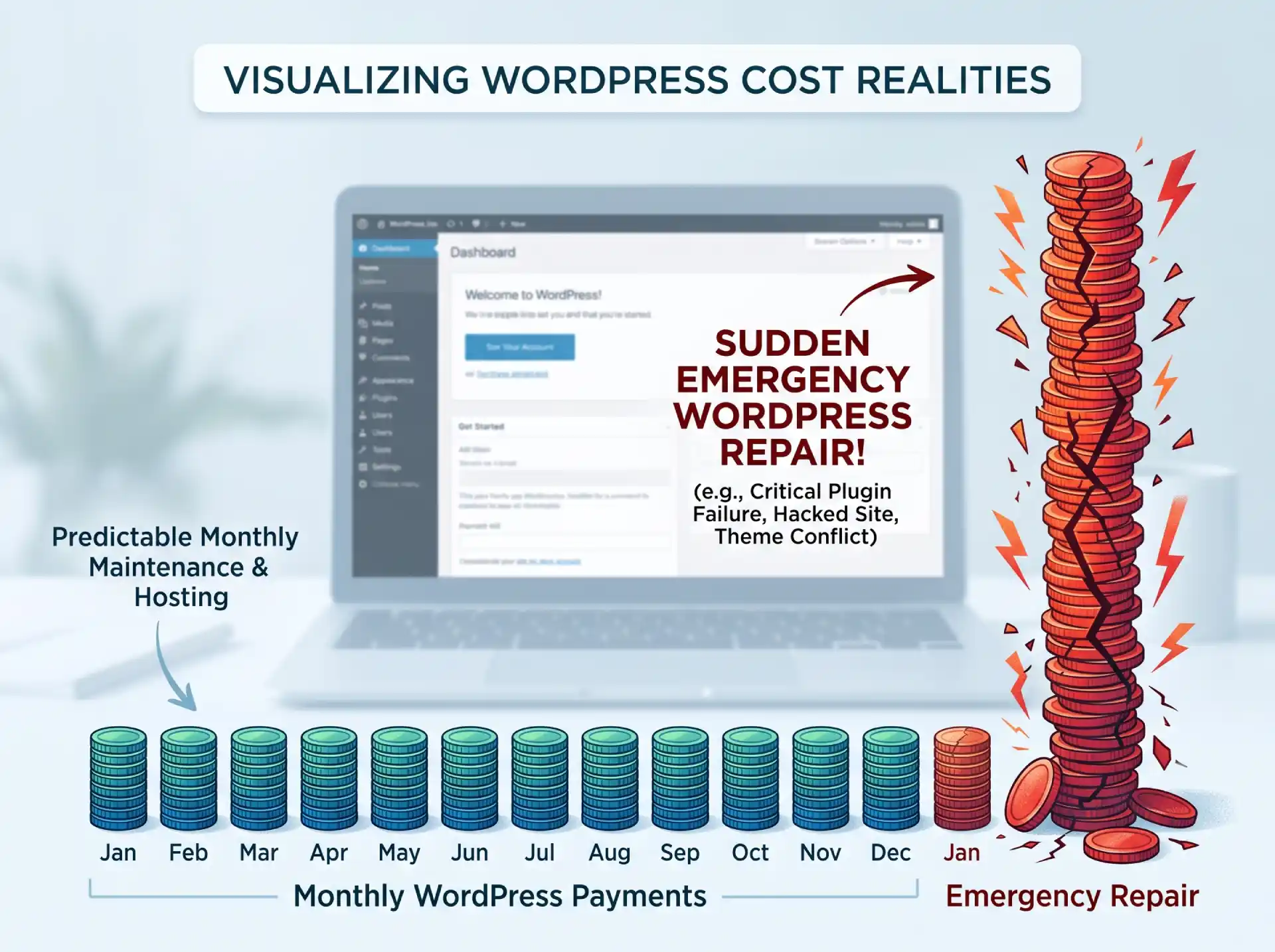
The cost of maintenance is predictable. The cost of skipping it is not.
One hacked-site cleanup in the Philippines typically runs into a large one-time bill. A crashed update or a corrupted database runs a moderate fee. A full malware removal with Google blacklist recovery can run an even larger bill. A hack costs you cleanup time, lost leads and rankings while a warning is up, and that is before you count the customers you lose while the site is down or flagged as unsafe.
I break the numbers down in full in my guide to what WordPress maintenance costs in the Philippines. The short version: a predictable monthly fee keeps small problems from turning into emergencies.
When Should You Start WordPress Maintenance?
Start on day one if your site makes money. Do not wait for the first crash.
If your site already exists and has been running without maintenance, the first month looks a little different. It starts with an audit: what is running, what is outdated, and what is already wrong. Then the provider brings everything current, sets up daily offsite backups, and establishes a baseline so future changes are easy to spot. After that, it settles into the monthly routine.
A brand-new site needs the same thing, minus the cleanup. The clock starts the moment it launches. Plugins update, WordPress patches, and researchers find new vulnerabilities. A site that was secure at launch is not still secure six months later unless someone kept it that way.
If you would rather hand this off, my WordPress maintenance and hosting service covers security, backups, updates, and support from one place, with real pricing instead of a surprise bill. If you are still weighing the hosting question, my guide to whether managed WordPress hosting is worth it covers that side.