• Home >
  • Blog >
  • How to Redesign a Website Without Losing Your Rankings

How to Redesign a Website Without Losing Your Rankings

You spent months getting your site to rank on Google. Now you want a fresh design, and a quiet worry stops you: what if the redesign erases all of it? That worry is justified. A redesign that changes the wrong things can send your traffic off a cliff overnight. But the loss is avoidable, and the difference between a redesign that helps and one that hurts comes down to a checklist most people never see.

A redesign hurts your rankings only when you change what Google already trusts: the URLs, the content, and the structure. Protect those three, and you can change the design freely. The single most important rule is to keep every existing URL working, or redirect it, so every ranking signal you earned follows the page to its new home.

Key Takeaways

  • Rankings live in your URLs and content, not your colors and fonts. Change the design, not the addresses.
  • Every old URL must either stay the same or 301-redirect to its new one. Broken URLs are where traffic dies.
  • Keep the text that ranks. Rewriting or deleting it throws away the exact thing Google was rewarding.
  • Crawl the old site first so you have a full map of every page before you touch anything.
  • The redesign is a migration. Treat it like one, with a launch checklist, not a flip of a switch.

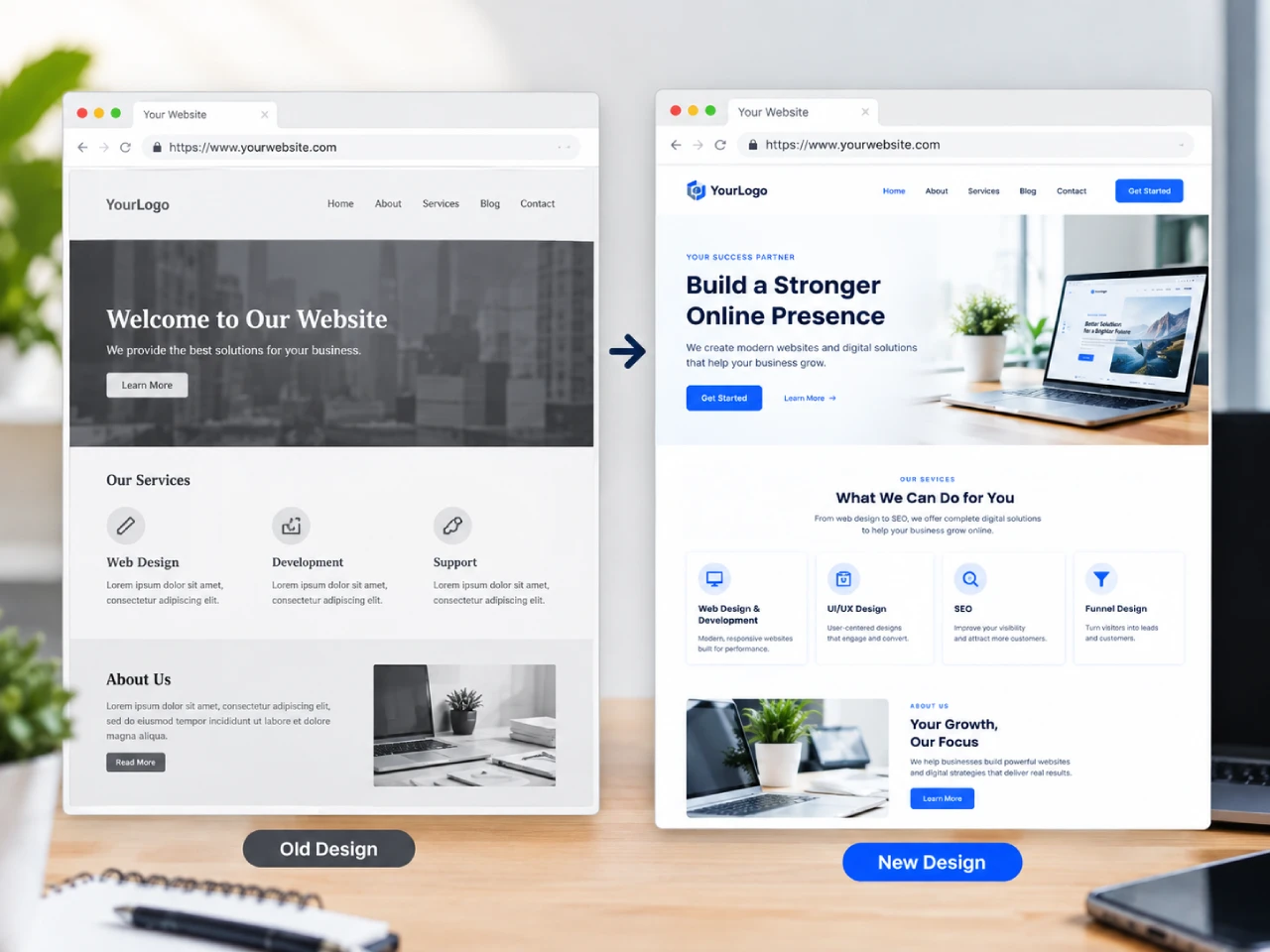
A website being rebuilt with the same URL structure preserved, shown as a page moving from an old design to a new design on the same address

Why Redesigns Tank Traffic

The most common way a redesign kills rankings is the quietest one. A developer rebuilds the site, the URLs change from /about-us to /about, nobody sets up redirects, and Google suddenly finds a hundred pages that no longer exist. Every one of those pages was a doorway. Close a doorway, and the traffic that walked through it disappears.

The second killer is content. A redesign often comes with a copy rewrite, and someone decides to “trim” or “freshen” the text. That text was the reason you ranked. Delete it, and you delete the ranking with it. The third is performance: a new design loaded with heavy images and animations that slows the site down, and Google quietly moves you down the page.

None of these are about the design being bad. They are about the design changing things it should not have touched.


Map Every URL Before You Touch Anything

Before the first pixel changes, crawl your current site and list every URL. Tools like a sitemap or a crawling tool give you the full inventory. This is your map, and it is non-negotiable.

For every URL, decide one of two things: it stays exactly the same, or it moves, and you set a 301 redirect from the old address to the new one. A 301 tells Google “this page permanently moved here,” and it carries the ranking signals along with it. A page that just disappears, with no redirect, tells Google “this is gone,” and you start from zero.


Preserve the Content That Ranks

The design can change completely. The words should not, at least not the ones earning their keep. Keep your headings, your core paragraphs, and your page structure intact through the redesign. You can improve clarity and add new sections, but do not delete the content that already ranks. Update it carefully, page by page, after the new site is live and stable.

Think of it this way: the design is the storefront you are repainting. The content is the inventory inside. Repainting should not throw the inventory away.


Redirect Correctly, Then Check

Redirects are where most redesigns quietly fail. Set a 301 for every changed URL, map them one-to-one, and do not chain redirects into each other. After launch, crawl the new site and check for two things: every old URL resolves somewhere real, and no page returns a 404. A single missed redirect is a small leak. A hundred of them is a flood.


The Launch Checklist

  1. Crawl the old site and save the full URL list.
  2. Map every old URL to its new home, or keep it the same.
  3. Preserve the content that ranks; rewrite only what must change.
  4. Set 301 redirects for every moved URL.
  5. Keep page titles, meta descriptions, and headings intact unless there is a reason to change them.
  6. Test the new site’s speed before launch. A redesign that slows the site down undoes its own benefit.
  7. Submit the new sitemap and monitor Search Console for the first two weeks.


Redesign Without the Risk

A redesign should be a step forward, not a gamble. My web design services handle the whole migration so your rankings stay where they are while your site gets the update it needs. If you want the broader picture first, my website redesign guide covers when and why to redesign, and if your rankings have already slipped, why your website is not ranking walks through the fix.

Table of Contents

    About the Author

    Jude Pudlao is a freelance web designer and SEO specialist based in Baguio City, Philippines. He builds WordPress websites for small businesses that need to get found on Google and convert visitors into customers.

    His work combines design, development, and search optimization so his clients get websites that look professional and actually perform.

    Let's work together.

    Over 6 years of experience. Results you can measure. Websites that do the selling for you.

    Frequently Asked Questions

    Will redesigning my website hurt my SEO?

    Only if you change the URLs, delete the content, or slow the site down. A redesign that preserves URLs and content and keeps the site fast should not hurt, and usually helps.

    If redirects and content are preserved correctly, there is little or no recovery period. If URLs changed and redirects were missed, it can take weeks or months to rebuild, and some traffic may not come back.

    A 301 is a permanent redirect that tells Google a page has moved to a new address. It carries the old page’s ranking signals to the new one.

    Yes, wherever possible. Keeping the same URL is always safer than changing it and redirecting. Only change a URL when there is a real reason, and redirect it when you do.

    Latest Posts

    A landing page mockup with a single clear call-to-action button highlighted, on a clean desk with a Philippines map pin
    A laptop showing a Google search results page with a Philippines map pin on the desk, suggesting local search rankings
    A smartphone showing a Facebook business page next to a laptop showing a website, with a subtle contrast between a rented sign and an owned storefront

    Ready for a website that actually brings in clients?

    Web design, SEO, and content handled by one person who knows how all three fit together. Based in Baguio City, working worldwide.

    Scroll to Top